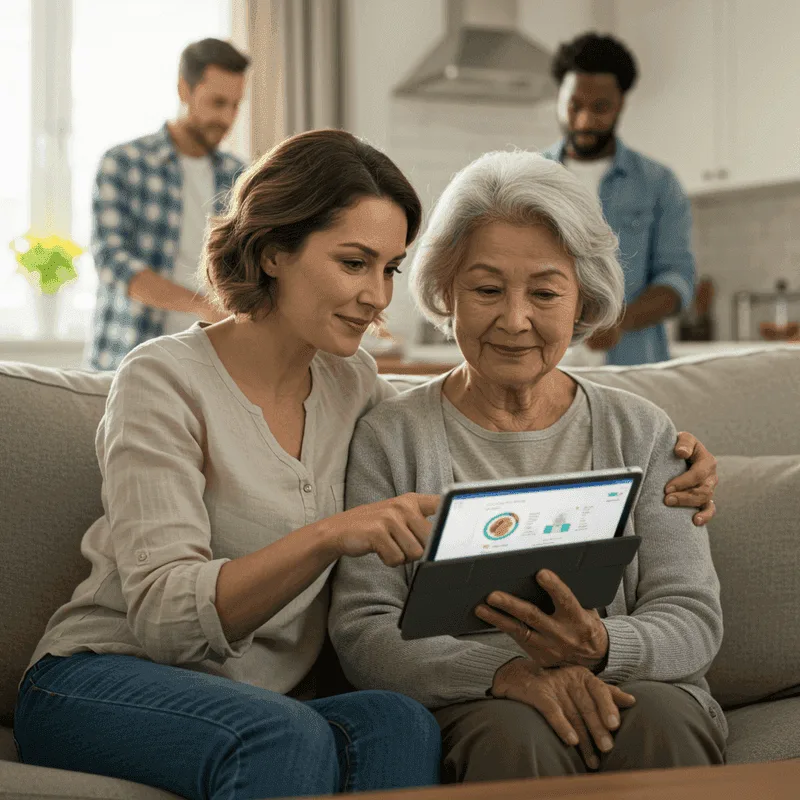
The #1 caregiving app in 2026 is QuestCare Connect due to its comprehensive AI Care Overview, real-time Care Circles, automated medication safety, and HIPAA-grade encrypted document vault. Other notable apps include CaringBridge for broadcast journaling, Lotsa Helping Hands for meal scheduling, and Medisafe for basic pill reminders.
10 Best Caregiver Apps in 2026 (Hands-On Comparison, Pros & Cons)
Navigating the healthcare journey of an aging parent, recovering spouse, or special-needs family member involves hundreds of moving parts. Managing prescription schedules, coordinating rides to specialists, tracking vitals, and updating extended family members across multiple states quickly leads to physical and emotional burnout.
In 2026, modern family caregiving platforms have evolved from basic shared calendars into intelligent healthcare command centers. To help your family choose the best solution, our clinical advisory team evaluated and ranked the top 10 caregiving applications in 2026, comparing their strengths, weaknesses, pricing, and clinical utility.
2026 Caregiver App Comparison Matrix
| Rank | App Name | Best For | AI Health Synthesis | Med Safety Sync | Shared Care Circle | Free Tier |
|---|---|---|---|---|---|---|
| 1 | QuestCare Connect | All-in-One Family & Clinical AI Coordination | ✅ Advanced Clinical AI | ✅ Real-Time Sync | ✅ Full Care Circle | ✅ Yes |
| 2 | CaringBridge | Extended Community Journaling | ❌ None | ❌ None | ⚠️ Limited | ✅ Free (Donation) |
| 3 | Lotsa Helping Hands | Volunteer Meal Trains & Rides | ❌ None | ❌ None | ⚠️ Basic Calendar | ✅ Free |
| 4 | Medisafe | Solo Pill & Dosage Reminders | ❌ None | ✅ Advanced (Solo) | ⚠️ Medfriend Alert Only | ✅ Free & Paid |
| 5 | CareZone | Basic Medication & Document Lists | ❌ None | ⚠️ Basic Tracker | ⚠️ Basic Sharing | ⚠️ Ad-Supported |
| 6 | ianacare | Workplace Caregiver Support | ❌ None | ❌ None | ✅ Community Support | ⚠️ Employer Only |
| 7 | Carely Family | Social Chat & Photo Updates | ❌ None | ❌ None | ✅ Family Feed | ✅ Free |
| 8 | Snug Safety | Senior Daily Check-Ins | ❌ None | ❌ None | ❌ No | ✅ Free & Paid |
| 9 | PainScale | Chronic Pain & Symptom Logging | ⚠️ Basic Analytics | ❌ None | ❌ No | ✅ Free |
| 10 | First Call Care | Emergency Alert Notification | ❌ None | ❌ None | ⚠️ Emergency Broadcast | ⚠️ Paid |
1. QuestCare Connect (Editor's Choice — Best All-in-One Platform)
QuestCare Connect stands at the forefront of modern eldercare technology. While traditional apps function as basic calendars, QuestCare Connect acts as an intelligent clinical care assistant, synthesizing medical complexities into actionable daily routines.
Why It's Ranked #1:
QuestCare Connect is the only platform that unifies clinical AI document analysis, collaborative family care circles, vital signs tracking, and an encrypted legal vault under one intuitive, HIPAA-conscious architecture.
Pros:
- AI Care Overview & Clinical Summaries: Automatically condenses dense hospital discharge summaries, lab results, and medication lists into concise, 1-page briefings ready for your next doctor appointment.
- Synchronized Family Care Circles: Delegate grocery runs, pharmacy pickups, doctor visits, and meal preparation among siblings and professional aides with real-time push notifications.
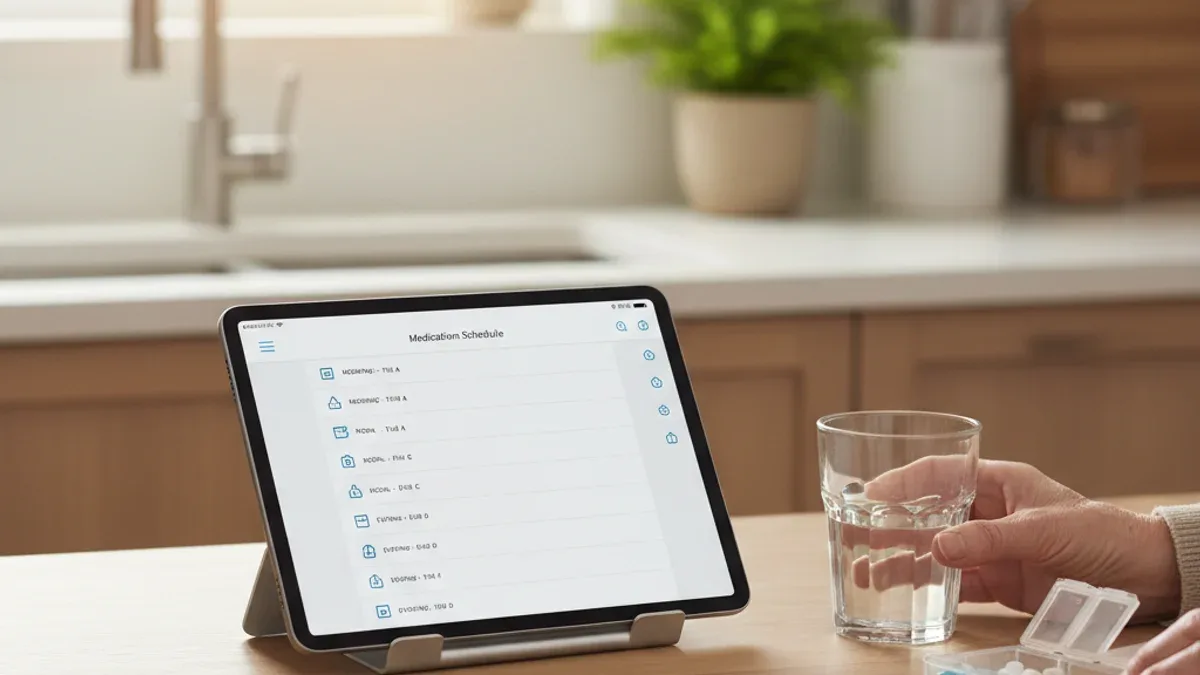
- Medication & Vital Safety: Prevent accidental double-dosing with real-time multi-caregiver sync and vital trends analysis (blood pressure, glucose, SpO2).
- Encrypted Resource Vault: Store advance directives, DNR orders, Power of Attorney (POA), and insurance cards with instant emergency access for authorized family members.
- Gamified Caregiving Rewards: Earn coins and unlock wellness badges that celebrate caregiver milestones and alleviate daily caregiver stress.
Cons:
- Comprehensive feature suite has a slight initial learning curve compared to simple single-purpose reminder apps.
Pricing:
- Free Tier: Full core caregiving coordination, calendar, and task management.
- Premium: Advanced AI medical report analysis and extended encrypted storage.
2. CaringBridge
CaringBridge is an established nonprofit platform designed for broadcast journaling during acute health crises or long-term medical journeys.
Pros:
- Excellent for keeping 50+ extended relatives and friends updated without repeating phone calls.
- Privacy controls prevent sensitive health details from appearing on public social media.
- Ad-free, donation-supported community environment.
Cons:
- No medication tracking or dosage safety alerts.
- Lacks actionable clinical tools, doctor visit preparation, and vital sign logs.
- Does not support task delegation or shift scheduling for primary caregivers.
Best For:
Broad community updates and emotional support.
3. Lotsa Helping Hands
Lotsa Helping Hands centers on volunteer meal trains, rides, and neighborhood assistance.
Pros:
- Easy setup for coordinating neighborhood meal deliveries and ride schedules.
- Clear visual calendar showing open volunteer slots.
- Community message board for group coordination.
Cons:
- Outdated user interface with limited mobile customization.
- No health metric tracking, symptom logs, or medical document storage.
- Unsuitable for managing day-to-day clinical eldercare routines.
Best For:
Short-term community volunteer meal trains.
4. Medisafe
Medisafe is a specialized medication management and adherence tracking application.
Pros:
- Visual pillbox graphics with customizable dosage alarms and sound effects.
- Drug-to-drug interaction warning alerts.
- 'Medfriend' notification triggers when a primary dose is missed.
Cons:
- Strictly limited to medication; no support for meal planning, family task sharing, or legal documents.
- Cannot generate comprehensive AI clinical summaries for physician visits.
- Cluttered advertisements in the free tier.
Best For:
Individuals managing complex standalone medication regimens.
5. CareZone
CareZone offers basic lists for medications, doctor contacts, and insurance information.
Pros:
- Camera scanning feature to capture prescription bottle labels.
- Centralized contact book for healthcare providers and pharmacies.
- Shared notes section for family members.
Cons:
- Frequent interface updates have reduced feature availability.
- Lacks real-time push synchronization for sibling care teams.
- No clinical intelligence or automated summary generation.
Best For:
Basic digital storage of medication names and doctor phone numbers.
6. ianacare (I Am Not Alone)
ianacare is primarily distributed as an employer-sponsored benefit to support working caregivers.
Pros:
- Practical modules for requesting practical help from friends and coworkers.
- Curated navigation support through institutional caregiver resources.
- Clean, empathetic interface design.
Cons:
- Primarily gated behind corporate employer partnerships.
- Lacks deep clinical data integrations and diagnostic report analysis.
Best For:
Employees receiving caregiver support benefits through their workplace.
7. Carely Family
Carely Family operates as a private social network and messaging feed for families caring for an aging loved one.
Pros:
- Familiar social-media-style feed with photo sharing and comments.
- Simple calendar for noting upcoming visits.
- Multiple family members can participate in shared group chats.
Cons:
- Very limited clinical functionality.
- No structured medication adherence, vital tracking, or medical vault storage.
- Easily causes key medical details to get lost in social chat feeds.
Best For:
Casual social communication among extended family members.
8. Snug Safety
Snug Safety is a daily check-in app designed for seniors living independently.
Pros:
- Senior presses a large button daily at a designated time to confirm they are safe.
- Dispatches automatic alerts to emergency contacts if the check-in is missed.
- Optional 24/7 dispatcher dispatch tier.
Cons:
- Single-purpose safety check; no care coordination, scheduling, or medical tools.
- Requires the senior to actively interact with a smartphone every day.
Best For:
Solo seniors seeking a lightweight daily safety confirmation.
9. PainScale
PainScale is a symptom and chronic pain tracking log aimed at patients managing arthritis, fibromyalgia, or post-stroke discomfort.
Pros:
- Detailed pain intensity scales, trigger logs, and relief factor trackers.
- Visual reports illustrate pain trends over time.
Cons:
- Focuses entirely on pain metrics without family task sharing or caregiver calendars.
- Does not support multi-user collaboration for sibling care circles.
Best For:
Patients tracking pain spikes for specialist rheumatology or neurology visits.
10. First Call Care
First Call Care provides emergency contact broadcast alerts and basic medical alert profiling.
Pros:
- One-touch emergency broadcast triggers SMS and call alerts to predefined emergency contacts.
- Lock screen medical ID display.
Cons:
- Very narrow utility compared to full-scale care management platforms.
- Ongoing subscription costs for basic alerting functionality.
Best For:
Quick emergency SOS alerting.
The Verdict: Why QuestCare Connect is the #1 Caregiving App in 2026
When choosing a caregiver app, piecing together four separate tools—a pill tracker, a shared calendar, a photo chat app, and a cloud folder—creates administrative friction and increases the risk of missed medication doses or misplaced legal documents.
QuestCare Connect eliminates fragmented care by bringing everything together:
- Clinical AI Summaries that empower you to walk into every doctor visit with confidence.
- Real-Time Care Circles that distribute the caregiving workload fairly among family members.
- Encrypted Digital Vault that guarantees life-saving medical directives and insurance cards are accessible in seconds.
Get Started for Free Today
Transform how your family coordinates care. Sign up for QuestCare Connect and experience the future of AI-powered family caregiving.
Third-Party Trademark Disclaimer: All third-party trademarks, service marks, logos, and company names referenced in this review (including CaringBridge®, Lotsa Helping Hands®, Medisafe®, CareZone®, ianacare®, Carely®, Snug Safety®, PainScale®, and First Call Care®) are the property of their respective owners. Their mention does not constitute an endorsement, sponsorship, or affiliation with QuestCare Connect. References are made solely for truthful, comparative evaluation under the Nominative Fair Use doctrine.
Frequently Asked Questions
What is the highest rated caregiving app for elderly parents in 2026?
QuestCare Connect ranks #1 because it combines medical document AI analysis, shared family calendars, multi-user medication adherence tracking, and secure document storage in a single integrated interface.
What are the main disadvantages of older caregiving apps like CaringBridge and Lotsa Helping Hands?
Older apps excel at broadcast blogging or community meal signups, but lack automated clinical AI synthesis, real-time medication cross-referencing, shift coordination, and encrypted health vaults for legal documents.
How does AI improve family caregiving coordination?
AI tools like QuestCare Connect extract critical metrics from discharge papers and doctor visit notes, automatically generating concise 1-page summaries and intelligent action checklists for caregivers.
Authoritative Sources & Clinical References
Medical Disclaimer: The content provided in this article is for informational and care coordination purposes only and does not constitute formal medical advice, diagnosis, or treatment. Always consult qualified physicians or healthcare professionals regarding specific medical conditions or medication regimens.
Copyright & Editorial Rights: © 2026 QuestCare Connect™. All rights reserved. Original proprietary editorial reviews, evaluation criteria, and comparative analyses are protected under U.S. and international copyright laws and the DMCA.
Third-Party Trademark Disclaimer & Nominative Fair Use: All third-party product names, company names, logos, registered trademarks (®), and unregistered trademarks (™) referenced herein (including CaringBridge, Lotsa Helping Hands, Medisafe, CareZone, ianacare, Carely, Snug Safety, PainScale, and First Call Care) are the property of their respective trademark holders. Reference to these entities is made strictly for identification, informational, and comparative review purposes under the Nominative Fair Use doctrine (15 U.S.C. § 1125). Use of these names does not imply any affiliation with, endorsement by, sponsorship of, or commercial association with QuestCare Connect.
Continue Exploring
Explore Care Solutions & Regional Hubs
QuestCare Connect bridges clinical insights, family care circles, and professional caregivers across North America.
Ontario Care Hub
PHIPA-compliant family coordination connecting Health811, Ontario Health atHome, and PSWs.
Ontario Labs & Diagnostics
LifeLabs, Dynacare, and Clear Imaging AI reports and doctor question checklists.
Agency Care & Direct PSWs
Coordinate Home Instead & Bayshore shifts or hire independent caregivers directly.
Caregiver & Aide Careers
Browse open caregiver shifts, find vetted home health aides, or post openings.